Notion Multi-select Property: Tag Rows with Multiple Labels
Notion Multi-select properties let you add multiple tags to one database row - platforms, skills, topics, or product features. Unlike Select (one label) or Status (workflow stages), Multi-select is built for overlapping categories.
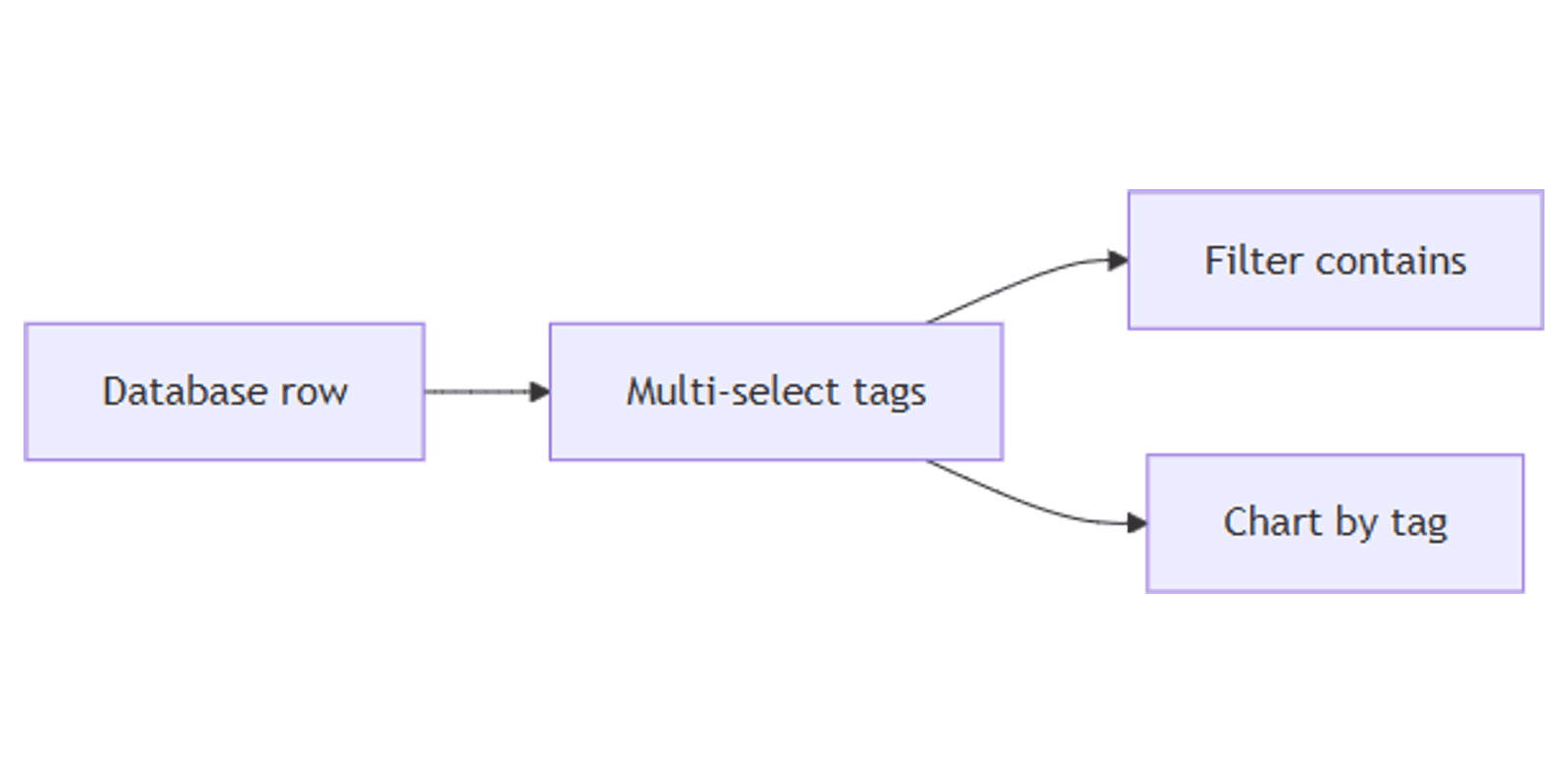
This guide covers how to create a Notion Multi-select property, filter with contains, group and chart by tags, and map Multi-select to forms.
What is a Multi-select property?
Multi-select is a database property where each row can hold zero or more options you define. Tags appear as colored chips on the row.
| Multi-select | Select | Status | |
|---|---|---|---|
| Labels per row | Many | One | One (with groups) |
| Best for | Tags, platforms, skills | Priority, type, department | Workflow progress |
| Form question | Multiple choice (multi) | Multiple choice (single) | Not a form question |
Use Multi-select when a row can belong to several categories at once - e.g. a post tagged Instagram and TikTok. Use Select when only one category applies. Use Status when you track pipeline stages.
How to add a Multi-select property
- Open your database.
- Click + next to the rightmost column.
- Name the property (e.g. Tags, Platforms, or Skills).
- Choose Multi-select as the property type.
- Type an option name and press Enter. Repeat for each tag. Recolor options in Edit property.
Customize Multi-select options
- Click the column header → Edit property to rename, recolor, delete, or reorder options.
- Drag options to set sort order when you sort by Multi-select.
- Click a cell and pick one or more tags - click a chip again to remove it.
Keep the option list short and consistent. Duplicate tags like "Instagram" and "IG" split your filters and charts.
Multi-select vs Select vs Status
| Scenario | Best property |
|---|---|
| Content published on multiple platforms | Multi-select |
| One priority level per task | Select |
| Task moves To-do → Done | Status |
| Skills on a resume or CRM contact | Multi-select |
| One client per deal | Select |
Many databases use all three: Status for workflow, Select for priority, Multi-select for tags.
Filter, sort, and group by Multi-select
Multi-select works with filtering, sorting, and grouping:
- Filter → contains - show rows that include a tag (e.g. Platforms contains Instagram).
- Filter → does not contain - exclude a tag.
- Filter → is empty / is not empty - find untagged or tagged rows.
- Sort - order by Multi-select option order.
- Group - create sections per tag (rows with multiple tags can appear in multiple groups depending on the view).
Save filtered views for quick access - e.g. Instagram posts this month where Platforms contains Instagram and Publish date is within This month.
Multi-select on forms and charts
Forms
Notion forms map Multiple choice (allow multiple) questions to Multi-select properties. Respondents can pick several options - useful for:
- "Which platforms should we post on?"
- "What topics interest you?"
- "Which features do you need?"
Set a maximum number of selections on the form question if you want to limit how many tags respondents can choose.
Charts
Use a chart view with Multi-select as the category axis:
- Chart type: Vertical bar or Donut.
- X-axis / Slice by: Tags (Multi-select).
- Y-axis / Value: Count.
This shows how many rows include each tag - great for content mix or skill distribution.
Practical workflow examples
Content calendar platforms
On a content database with Platforms (Multi-select) and Status:
- Tags: Instagram, TikTok, YouTube, LinkedIn, Pinterest.
- Filter a view: Platforms contains Instagram.
- Chart: count posts by Platform this month.
Works with the Social Media Multi-Platform Content Planner.
Skills and hiring pipeline
On a candidates database:
- Skills Multi-select: React, Design, Writing, Sales.
- Filter: Skills contains React and Status is Interview.
- People Recruiter for ownership.
Product feature requests
On a feedback database fed by a form:
- Form question: "Which areas matter?" → Multi-select Areas.
- Chart: donut of responses by Area.
- Automation: when Areas contains Billing, set People Assignee to the billing lead.
Knowledge base topics
On a notes or wiki database:
- Topics Multi-select for searchable tags.
- Linked database filtered to Topics contains Onboarding.
- Pair with synced blocks for reusable checklists.
Tips for teams
- Prefer Select for single choice - if a row should never have two values, use Select.
- Standardize tag names - review and merge duplicates quarterly.
- Limit options - 5–15 tags stay usable; 50+ become noise.
- Do not use Multi-select for workflow - Status is clearer for Done / In progress.
- Combine with filters - "contains A" does not mean "only A"; add more filters if you need exact sets.
Permissions and troubleshooting
Who can edit Multi-select: anyone with Can edit content or above on the database.
Common issues:
- Tag missing from filter - confirm the exact spelling and that the option still exists in Edit property.
- Too many groups in chart - reduce tags or filter the chart view; charts cap at 200 groups and 50 subgroups.
- Form only allows one choice - change the question to allow multiple selections, or switch the property type to Multi-select.
- Grouping looks duplicated - rows with multiple tags can surface under more than one group; use filters when you need exclusive buckets.
FAQ
What is the Notion Multi-select property?
A database field that stores multiple tags on one row - used for platforms, topics, skills, and other overlapping categories.
When should I use Multi-select vs Select?
Use Multi-select when a row can have several labels. Use Select when only one label should apply.
Can I filter Notion by a Multi-select tag?
Yes. Add a filter where the Multi-select property contains the tag you want.
Conclusion
Multi-select gives you flexible tagging for any database - add a Tags or Platforms property, filter with contains, chart tag distribution, and map multi-choice forms to the same field. Pair with Select for single categories and Status for workflow.
For assignee-based ownership, see People property. For visualizing tag counts, see chart view.
Notion Templates
Start Selling Notion Templates - Start Now!