Notion Dependencies: Link Blocking Tasks and Shift Dates
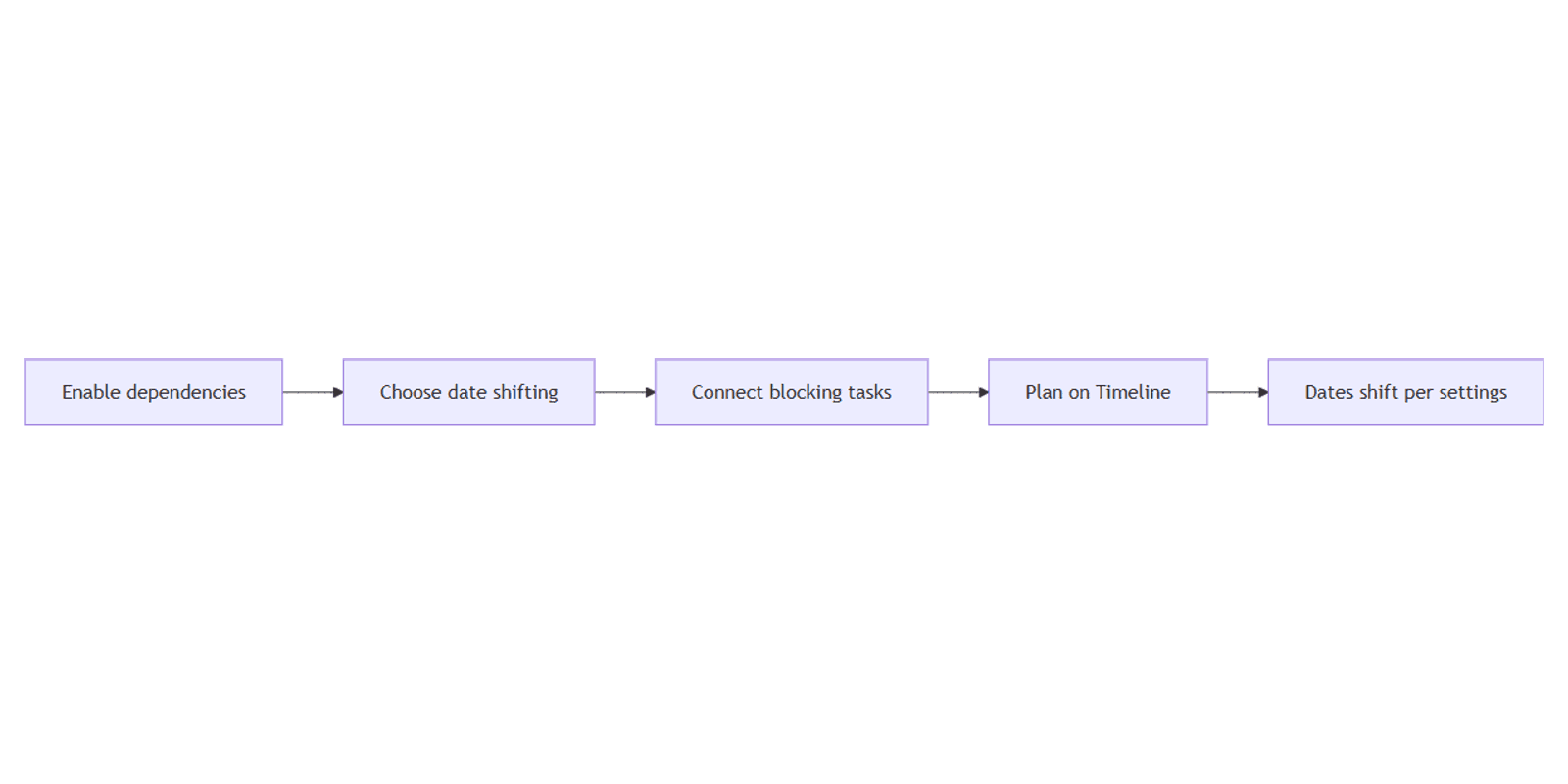
Notion dependencies connect tasks in a linear sequence so your team can see what must finish before the next piece of work starts. After you turn them on, you can optionally shift related dates when a blocking task moves - keep gaps, shift only on overlap, or leave dates alone.
This guide covers enabling dependencies, choosing date-shifting behavior, pairing them with Timeline view and a Date property, and when to use dependencies versus sub-items. Official reference: Tasks and dependencies.
What are Notion dependencies?
Dependencies link tasks so one item relates to another in sequence - for example, design before build, or legal review before publish. Notion Help describes them as a way to connect tasks linearly and communicate related work to the team.
They are not the same as hierarchy:
| Dependencies | Sub-items | |
|---|---|---|
| Purpose | Sequence and blocking relationships | Parent/child breakdown |
| Structure | Linear connections between tasks | Nested rows under a parent |
| Best for | "This must finish before that starts" | Phases, checklists, scoped sub-work |
Use sub-items for hierarchy. Use dependencies for order. Many project databases use both: sub-items break a deliverable down; dependencies sequence work across owners or phases.
How to turn on dependencies
- Open the database (typically a Tasks database).
- Open the settings menu at the top of the database.
- Under Database settings, select More settings.
- Select Dependencies.
- Choose an automatic date-shifting option (see below).
- Optionally toggle Avoid weekends.
- Select Turn on dependencies.
You can change date-shifting and weekend settings later from the same Dependencies menu under More settings.
Date shifting options
When a connected task's dates change, Notion can move dependent dates automatically:
| Option | Behavior |
|---|---|
| Shift only when dates overlap | Dates move only when ranges start to overlap. Gaps between tasks may shrink. |
| Shift & maintain time between items | If A blocks B and A moves forward one week, B also moves forward one week. |
| Do not automatically shift | Due dates never move automatically when linked tasks change. |
Avoid weekends prevents shifted items from starting or ending on weekends when that toggle is on. Pick the shifting mode that matches how your team plans - fixed buffers, flexible packing, or manual scheduling only.
Connect tasks after enabling
After dependencies are on, connect tasks so the sequence is visible to the team.
Common ways to link tasks (UI labels can vary by view):
- Timeline - open a Timeline view with a Date that includes end dates. Hover a task bar and use the dependency arrow to connect it to another task (see Notion's sub-tasks and dependencies guide).
- Task properties - after enabling, use the dependency relation fields Notion adds (often shown as blocking / blocked-by style relations on the page) to pick related tasks.
Adjust a blocking task's dates and confirm dependent dates follow your shifting option. Keep chains simple: one clear predecessor path beats a dense web of links nobody maintains.
Dependencies with Timeline, Status, and boards
Timeline view
Timeline view is the natural place to see sequence. Each task needs a Date property with an end date so duration shows as a bar. Dependencies then express order along that schedule.
Status and board views
Track progress with Status while dependencies explain why something is waiting. On a board view, cards still move by status; dependencies remain the sequencing layer rather than replacing columns.
Automations
Pair sequence with database automations for notifications or property updates when status changes - for example, alerting an assignee when a blocking task moves to Done. Automations do not replace dependency date shifting; they complement it.
Practical examples
Project critical path
- Turn on dependencies with Shift & maintain time between items.
- Add Date ranges for Design → Build → QA → Launch.
- Connect each step in sequence on the timeline.
- When Design slips a week, Build and later stages shift with the same gap.
CRM or deal workflow (light use)
Use dependencies sparingly for gated steps - for example, proposal blocked until discovery is Done - while close dates stay on a Date property. A ready-made sales layout lives in the CRM Dashboard if you want a starting workspace.
Content production
Outline → draft → edit → publish can be a dependency chain with Shift only when dates overlap so light schedule tweaks do not push everything unless bars collide. Plan campaigns in the Social Media Multi-Platform Content Planner.
Tips
- Dependencies = sequence; sub-items = hierarchy - do not nest work just to express "blocks."
- Prefer Timeline for planning - tables show properties; timelines show when and in what order.
- Name Date properties clearly - Due, Sprint dates, or Ship window - so shifting applies to the right field.
- Review weekend policy with distributed teams that work Mon–Fri only.
- Keep chains short - long dependency trees are hard to maintain when priorities change.
More Notion setups: Notion Templates Bundle.
FAQ
How are dependencies different from sub-items?
Sub-items nest child rows under a parent for hierarchy and breakdown. Dependencies connect tasks linearly to show related or blocking sequence. You can use both in the same database. See sub-items for nesting details.
What do the date shifting options do?
Shift only when dates overlap moves dates only when ranges collide. Shift & maintain time between items preserves the gap when a predecessor moves. Do not automatically shift leaves all dates manual. Configure these under More settings → Dependencies.
What does Avoid weekends do?
When Avoid weekends is on, Notion prevents automatically shifted items from starting or ending on weekends. Turn it off if weekend work is normal for your team.
Do I need a Timeline to use dependencies?
Dependencies are enabled on the database, not only on one view. A Timeline with end-dated ranges is still the clearest place to see and manage sequence. Confirm connection steps in Notion Help.
Conclusion
Notion dependencies turn a flat task list into a sequence: enable them under More settings, pick how dates should shift, optionally avoid weekends, then connect tasks and plan on a Timeline with a proper Date range.
Next, nest work with sub-items, track progress with Status and board view, and automate follow-ups with database automations.
Notion Templates
Start Selling Notion Templates - Start Now!