How to Create Threads Posts in Canva: Size, Layout, and Export
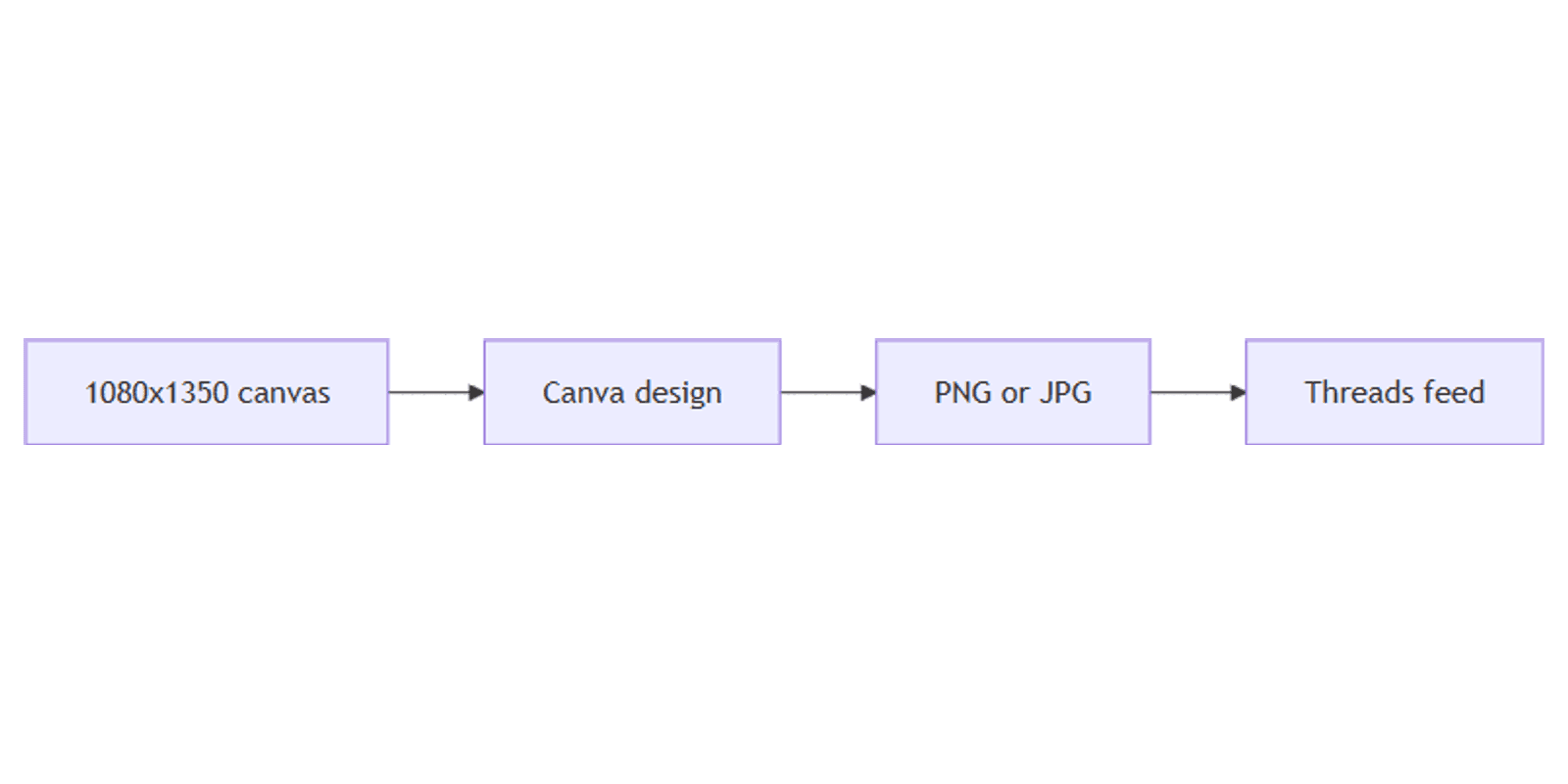
A sharp Threads image earns attention in a fast, text-heavy feed. Canva makes it easy to design 1080×1350 portrait posts (plus square and landscape) with brand colors, bold hooks, and export-ready PNG or JPG files.
This guide covers Canva Threads post sizes for 2026, layout tips, Brand Kit reuse, Magic Resize from Instagram, and export. Threads image sizes align closely with Instagram feed formats - design once, cross-post with light copy tweaks.
Threads post size in Canva
| Format | Size | Aspect ratio | Best for |
|---|---|---|---|
| Portrait feed (recommended) | 1080 × 1350 px | 4:5 | Default photo / graphic posts |
| Square feed | 1080 × 1080 px | 1:1 | Quotes, logos, simple graphics |
| Landscape feed | ~1080 × 566 px | ~1.91:1 | Wide photos (less vertical space) |
Practical rule: start at 1080 × 1350. That matches the usual Instagram portrait feed canvas, so the same file often works on both platforms.
Keep important text and logos inside a safe margin (~40–50 px). Export PNG/JPG and stay well under typical upload limits for faster posting.
To create the canvas:
- Open Canva.
- Click Create a design → search Instagram Post (Portrait) or use Custom size.
- Enter 1080 × 1350 px (or 1080 × 1080 for square).
Related Sparxno guides:
| Use | Size | Guide |
|---|---|---|
| Instagram portrait | 1080 × 1350 | Instagram posts |
| Facebook portrait | 1080 × 1350 | Facebook posts |
| Brand colors / fonts | — | Brand Kit |
| Resize to other platforms | — | Magic Resize |
Step-by-step: build a Threads post
1. Background
- Brand color or soft gradient from Brand Kit
- Full-bleed photo with a dark overlay for text
- Product cutout via Background Remover
2. Hook and support line
- One clear claim (about 5–12 words)
- Optional subline for context or CTA
- High contrast; avoid tiny type - Threads is skimmed on phones
3. Logo and safe placement
- Small logo inside margins
- Keep faces and key graphics in the center third for mobile cropping quirks
4. Multi-image / carousel-style sets
Design each card at the same size (1080×1350 or 1080×1080). Export pages in order and upload as a multi-image Threads post where the app allows it.
Layout tips for Threads
- Portrait first - 4:5 usually beats landscape for mobile feed space.
- Fewer words than a blog header - pair the image with a short Threads caption.
- Brand Kit first - same colors/fonts as Instagram and Facebook.
- Cross-post from Instagram - same 1080×1350 canvas; tweak caption tone for Threads.
- Test dark mode - mid-gray photos kill light text.
From Instagram to Threads with Magic Resize
- Finish an Instagram feed post at 1080×1350.
- If you need square or landscape variants, use Magic Resize.
- Recheck margins after resizing.
- Export PNG/JPG and post to Threads (and Instagram) from the same master when sizes match.
Track captions and publish dates in a content planner.
Export settings
- Share → Download.
- PNG for graphics/text; JPG for photo-heavy posts.
- Upload in the Threads app or web and preview on mobile before publishing.
Checklist:
- Canvas is 1080 × 1350 (or intentional square / landscape)
- Brand Kit colors and fonts applied
- Key text inside safe margins
- Readable at ~33% zoom
- Exported PNG or JPG
Practical workflows
Quote / tip card
- Bold hook on a brand-color background.
- Small logo bottom corner inside margins.
- Duplicate pages for a tip series; same layout, new line each time.
Product spotlight
- Cut out product; place in vertical center.
- Price or benefit as a short headline.
- Preview on a phone with Sparxno Canva frame mockups.
Cross-post pack (IG + Threads + Facebook)
- Master at 1080×1350.
- Export once; upload to Instagram, Threads, and Facebook with platform-specific captions.
- Log platforms in the lzuvy planner.
FAQ
What size are Threads posts in Canva?
1080 × 1350 px (4:5) is the best default. Square 1080 × 1080 and landscape ~1080 × 566 also work - match your layout to the photo.
Are Threads sizes the same as Instagram feed?
Yes for the common feed formats - especially 1080 × 1350. Design once and cross-post; see Instagram posts.
Should I use Magic Resize for Threads?
Only when you need another ratio. If Instagram and Threads both use 4:5, export the same file. Use Magic Resize for square, Story, or wide variants.
Conclusion
Canva Threads posts work best at 1080 × 1350 - set the canvas, apply Brand Kit, keep hooks high-contrast, and export PNG/JPG. Reuse your Instagram and Facebook masters when sizes match, and resize only when the aspect ratio changes.
For mockups, see Sparxno Canva frame mockups.
Canva Templates
Start Selling Canva Templates - Start Now!