How to Create Instagram Stories in Canva: Size, Safe Zones, and Export
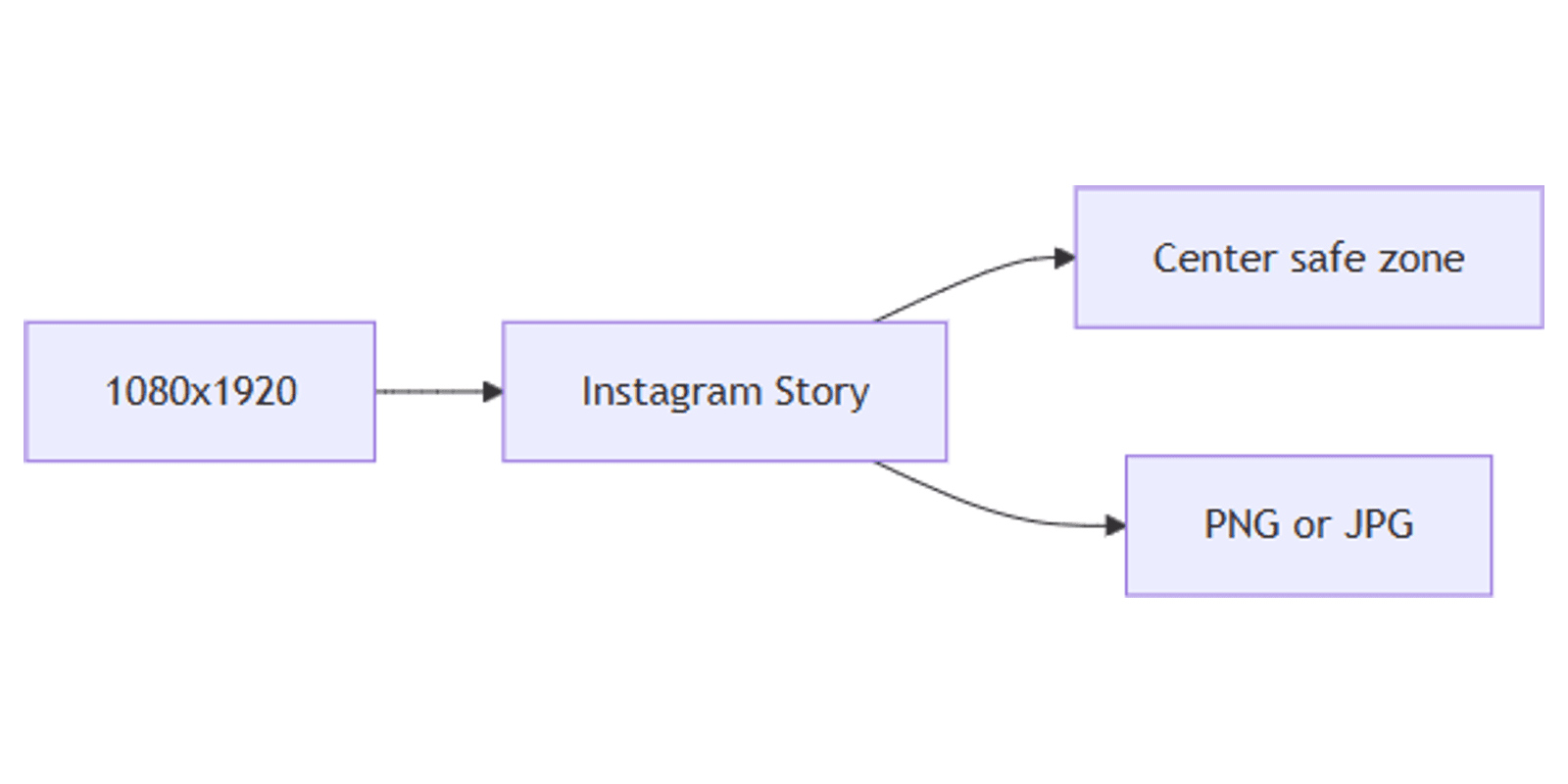
A sharp Instagram Story fills the phone screen - but Instagram’s UI covers the top and bottom. Canva makes it easy to design 1080×1920 Stories with hooks, CTAs, and brand assets inside the safe zone.
This guide covers Canva Instagram Story canvas setup, 2026-style safe zones, multi-frame sequences, Brand Kit reuse, and export. Same canvas as Reels/TikTok covers - different UI overlays and use case.
Instagram Story size in Canva
| Spec | Value |
|---|---|
| Canvas | 1080 × 1920 px |
| Aspect ratio | 9:16 |
| Image formats | PNG or JPG |
| Typical max image size | About 30 MB (stay smaller for faster upload) |
| Video | MP4 / MOV; keep clips short per Story card (commonly up to ~60 seconds) |
To create the canvas:
- Open Canva.
- Click Create a design → search Instagram Story.
- Or Custom size → 1080 × 1920 px.
| Use | Size | Guide |
|---|---|---|
| Instagram Story | 1080 × 1920 | This post |
| Instagram feed portrait | 1080 × 1350 | Instagram posts |
| Reels / TikTok cover | 1080 × 1920 | TikTok and Reels covers |
| LinkedIn square | 1080 × 1080 | LinkedIn posts |
| X landscape | 1200 × 675 | X posts |
Safe zones (keep text readable)
Design the full 1080 × 1920 frame, but treat the center band as the only safe area for critical text, logos, and CTAs.
Widely cited 2026 guidance:
| Zone | Approx. height | What covers it |
|---|---|---|
| Top unsafe | ~250 px | Profile, username, progress bars, close |
| Safe middle | ~1080 × 1420 px | Your headline, product, CTA |
| Bottom unsafe | ~250 px | Reply bar, reactions, sticker chrome |
Practical rules:
- Keep headlines and logos inside the middle ~1420 px vertical window.
- Place link stickers / CTAs in the middle third, not against the bottom edge.
- Full-bleed photos can use the edges; text cannot.
- Preview on a real phone - desktop previews often hide Instagram’s chrome.
For Reels covers, bottom UI can be taller than Stories - see TikTok and Reels covers if you reuse the same file as a cover.
Step-by-step: build a Story
1. Background
- Full-bleed photo or brand color from Brand Kit
- Soft gradient for text-first Stories
- Semi-transparent overlay so type stays readable
2. Hook in the safe zone
- One short line (about 3–8 words)
- Large type; high contrast
- Optional product cutout with Background Remover (Pro)
3. CTA without collision
- “Reply YES”, “Link in sticker”, or swipe prompt - centered vertically
- Leave bottom clear for Instagram’s reply UI
4. Multi-frame sequence
- Duplicate the page in Canva for each Story frame.
- Keep logo + safe margins consistent.
- Change only the hook or tip per frame.
- Download All pages as PNG/JPG, or export a short MP4 if you animated.
From feed post to Story with Magic Resize
- Finish an Instagram feed post (1080×1350).
- Use Magic Resize → Instagram Story (1080×1920).
- Re-center text into the safe zone - portrait feed ≠ Story chrome.
- Export and upload.
Layout tips
- One idea per frame - Stories are skimmed in under a second.
- Fewer words than feed posts - vertical space is partially stolen by UI.
- Brand Kit first - colors/fonts/logos stay consistent across frames.
- Avoid edge type - top 250 / bottom 250 are hostile to text.
- Sequence with numbers - “1/3”, “2/3” helps completion.
Export settings
- Share → Download.
- PNG for graphics/text; JPG for photo-heavy frames.
- For motion, export MP4 and keep length appropriate for a single Story card.
- Upload in order; add stickers/links in the Instagram app after upload.
Checklist:
- Canvas is 1080 × 1920
- Key text inside the center safe band (~250 px clear top and bottom)
- Brand Kit applied
- Multi-frame pages consistent
- Phone preview looks clear
Practical workflows
Launch teaser (3 frames)
- Hook → proof → CTA.
- Same background; swap headline only.
- Track copy in a content planner.
Product spotlight
- Cut out product; place in vertical center.
- Price/benefit text in safe zone.
- Soft brand color bars that do not fight the reply bar.
Tip carousel Stories
- Master template with Brand Kit.
- Duplicate 5 pages; one tip each.
- Batch with Magic Resize from a square tip card if needed.
FAQ
What size are Instagram Stories in Canva?
1080 × 1920 px (9:16). Search Instagram Story or enter a custom size.
What is the Instagram Story safe zone?
Keep critical content roughly in the middle 1080 × 1420 area - about 250 px clear of the top and bottom UI.
Are Stories the same size as Reels covers?
Yes for the canvas (1080 × 1920). Safe zones differ slightly - Reels/profile chrome can cover more at the bottom. See TikTok and Reels covers.
Conclusion
Canva Instagram Stories work at 1080 × 1920 - design full-bleed visuals, keep text inside the center safe zone, export PNG/JPG, and add stickers in-app. Reuse Brand Kit and Magic Resize to turn feed posts into Story frames.
For feed posts, see Instagram posts. For mockups, see Sparxno Canva frame mockups.
Canva Templates
Start Selling Canva Templates - Start Now!